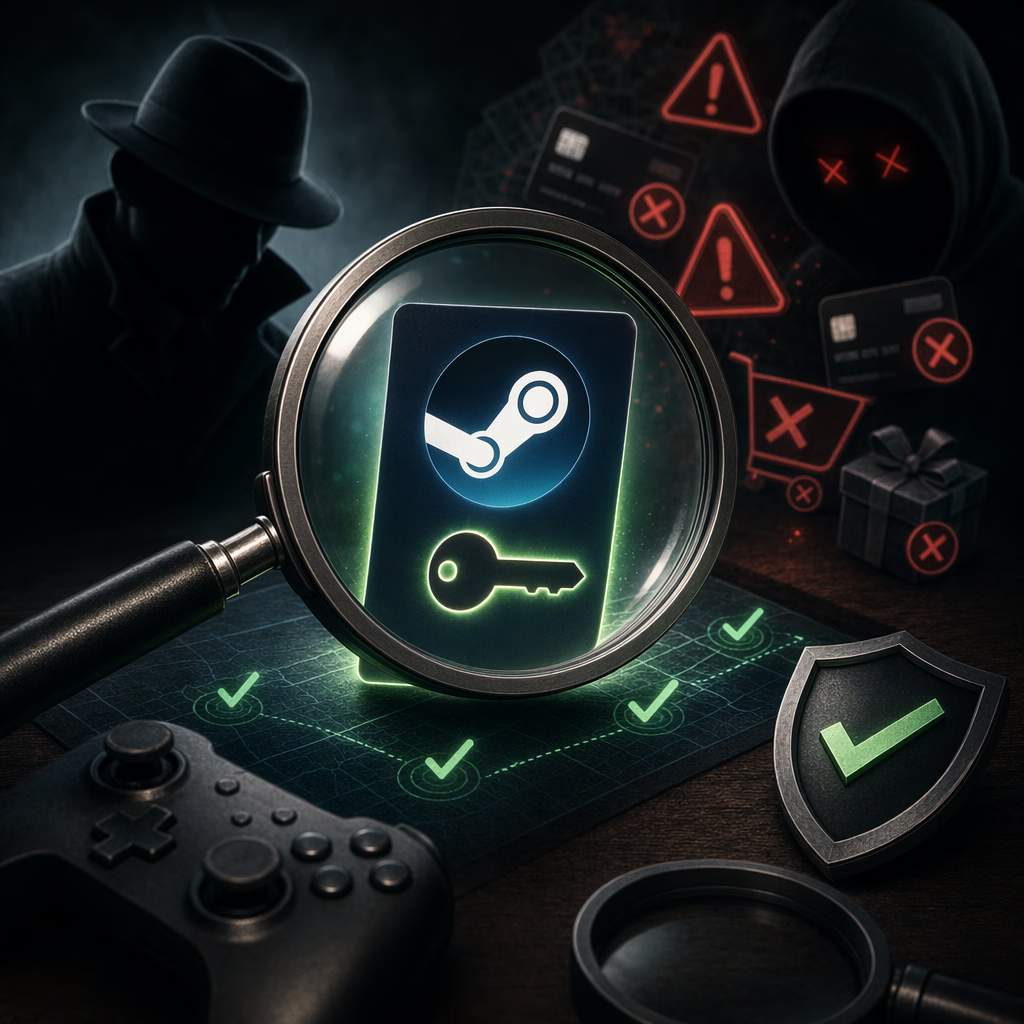
PC gaming has never been bigger, and paying full retail price is no longer the only option. Third-party key sites offer real discounts, and most of the time they work fine. I have bought plenty of keys this way over the years. But I have also watched friends lose money to a bad seller in seconds.
The trick is knowing what to check before you pay. This guide walks you through how Steam keys are sourced, how to spot a scam site, and how to verify a key step by step. Let us get into it.
How Third-Party Sites Get Their Steam Keys
Before you trust any store, understand where its keys come from. The source tells you almost everything about the risk. There are two broad models.
The gray market
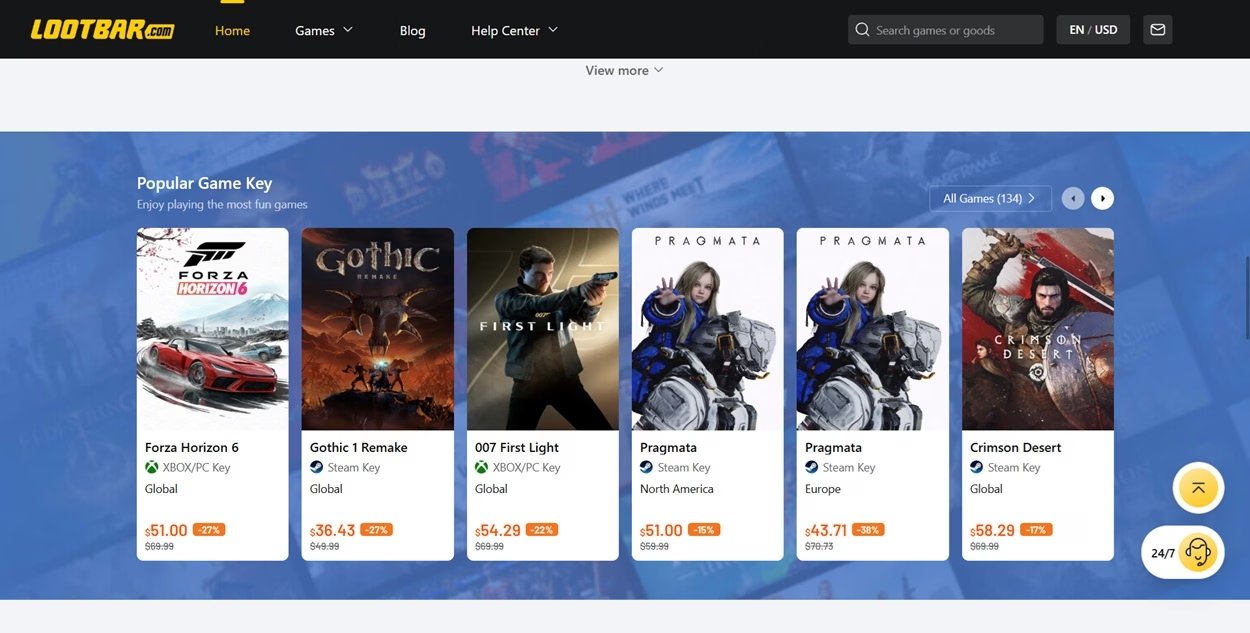
These platforms do not sell keys themselves. They host thousands of independent sellers, and many stay anonymous. Prices look amazing, but you cannot see where a seller got the code. Some keys come from regional arbitrage, which is harmless. Others come from bundles, stolen cards, or revoked review copies. You are buying blind.
Authorized distributors
These platforms source keys through official publisher routes or verified partners. They take direct ownership of the stock. That means far fewer surprises and a clear party to chase if something breaks.
Here is the part most guides skip. A gray market key can work perfectly today and still get pulled later. If a publisher traces a code back to a stolen card, they revoke it. You lose the game with nothing to show for it. So a working key is not the same as a clean key.
What Actually Happens If a Key Goes Bad
People panic about Steam bans. In practice, that is rare. The usual outcome is simpler.
The key gets revoked, and the game leaves your library.
You are out the money if the seller refuses a refund.
Your Steam account stays fine in most single cases.
Valve only tends to act on an account when it sees a pattern. Buy a string of fraud-linked keys, and you start to look like part of the problem. One unlucky purchase will not end your account. A habit of them might.
How to Spot a Scam Site
If you land on an unfamiliar site promising deep discounts, slow down. Run through this checklist before you type a single card detail.
Surprise fees at checkout. A price that jumps at the final step is a bad sign. Some gray sites also push paid "buyer protection" to cover their own keys.
Weird payment demands. Watch for sites that disable cards and PayPal and push crypto or non-reversible links. Reversible payment methods protect you. Sellers who avoid them often have a reason.
No company information. Legit stores list a real operating entity somewhere in their terms or footer. Anonymous sites give you nobody to hold responsible.
Pressure tactics. Countdown timers and "only two left" banners exist to stop you thinking. A real deal survives a five-minute pause.
Region mismatch buried in the listing. A trustworthy seller shows the key region clearly. A hidden or vague region is how many "bad key" complaints start.
How to Verify the Key Itself
Checking the platform is half the job. You should also check the key. No method confirms a key is clean before you pay, but these steps catch most problems early.
Match the region first. This is the only real check you can do before buying. Every key ties to a region. A mismatch is the most common reason a genuine key fails. Find the region on the product page. Then match it to your own Steam account region before you pay.
Check the code format on delivery. Most Steam keys arrive as three blocks of five characters, like XXXXX-XXXXX-XXXXX. Some titles use a longer five-block code instead. So an unusual format is a yellow flag, not instant proof of a fake. Keys are not case sensitive, and the dashes usually matter.
Confirm it inside Steam. The real test is activation. Open Steam, click Games, then Activate a Product, and enter the code. Steam checks it against its servers at once. You will see one of these outcomes.
| Result | What it means |
|---|---|
| Game enters your library | The only true confirmation that the key worked |
| "Steam key is not valid" | Fake, mistyped, or already redeemed |
| "Not available in your region" | A region lock, which is not always fraud |
| "Already activated" | Someone used the code before you |
| "Requires another product" | You likely received a DLC key, not the base game |
Know the one limit you cannot beat. Even a key that activates can be revoked later if its source was fraudulent. No buyer check can see this. That is exactly why the platform, its refund policy, and buyer protection matter. They cover the part the key alone cannot prove.
Why the Platform You Choose Matters Most
Since you cannot fully verify a key yourself, the seller carries the weight. This is where a structured platform like DealNest earns its place. It runs an authorized distribution network rather than an open seller free-for-all.
| Attribute | DealNest | Typical Gray Market |
|---|---|---|
| Store verification | Verified by platform | Unknown sellers |
| Price transparency | Shown upfront | Surprise fees at checkout |
| Checkout fees | No surcharges | Frequent fees and "insurance" |
| Refund policy | Clear and reliable | Often missing |
| Loyalty rewards | Cashback offers available | None |
A few practical reasons this model holds up:
Sourcing you can trace. Every DealNest price comparison comes through authorized supply lines, so the risk of a sudden revocation drops sharply compared with anonymous sellers.
Honest pricing. The price on the product page is the price at checkout. No padded fees appear at the last step.
Fast delivery. Codes land in your dashboard in clear text, usually within minutes, with order tracking.
A real safety net. A clear refund promise covers the one thing a key check never can, which is a code that fails after the fact.
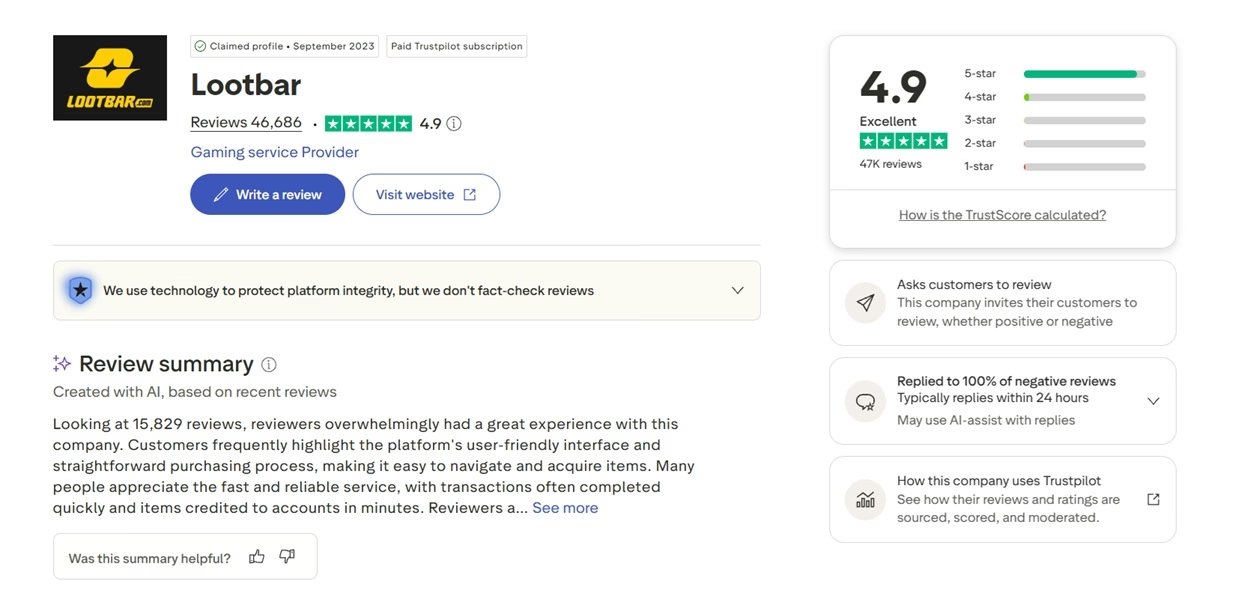
A long track record of verified store listings is the strongest public signal you can get. It is not a magic shield, and no third-party platform is risk-free. But a long track record plus a refund guarantee beats a cheaper anonymous listing every time.
Step-by-Step: Activating Your Steam Key Safely
The process is simple once your key is in hand. Here is the clean version.
Pick your game and choose the region that matches your Steam account. Global, NA, and EU sets are common.
Pay with a reversible method like a card or PayPal where possible.
Collect your code from your account dashboard once payment clears.
Open the Steam desktop client and click Games, then Activate a Product.
Accept the terms, paste your code, and confirm. The game binds to your account.
Conclusion
Third-party keys are a smart way to play more for less. The catch is that the savings should never cost you your account safety or your money. Verify the region, check the code, and activate inside Steam. Above all, buy from a platform you can actually hold accountable. With authorized sourcing, transparent pricing, fast delivery, and a refund guarantee, comparing verified stores on DealNest covers the gaps a key check cannot. Buy smart, and the discounts are yours to keep.