How to Activate an Epic Games Key
Learn how to redeem Epic Games codes in 3 easy steps. Activate your game on the Epic Games Store and start playing.
Go to the Epic Games redeem page
Open your browser and visit store.epicgames.com/en-US/redeem. Make sure you're signed into your Epic Games account.
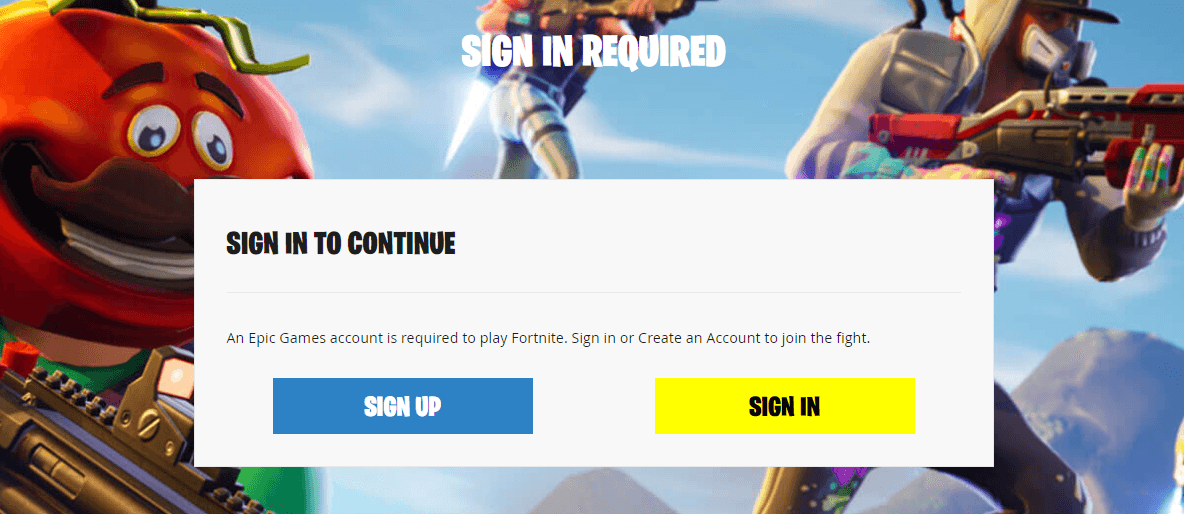
Sign in to your Epic Games account
If you're not already logged in, sign in with your email, Google, Facebook, or other connected account.
Enter your code and click "Redeem"
Type or paste the activation code into the field and submit. The game will be added to your Epic Games library.

Frequently Asked Questions
What types of Epic Games codes can I redeem?
You can redeem game keys, in-game content (like Fortnite V-Bucks or items), and wallet codes on the Epic Games Store.
I redeemed a code but the game isn't showing up. What should I do?
Refresh your Epic Games Launcher or check your library under 'Purchased'. If it still doesn't appear, check your email for a confirmation from Epic Games.
Are Epic Games keys region locked?
Some Epic Games keys have regional restrictions. Always check the product description before purchasing to ensure compatibility.