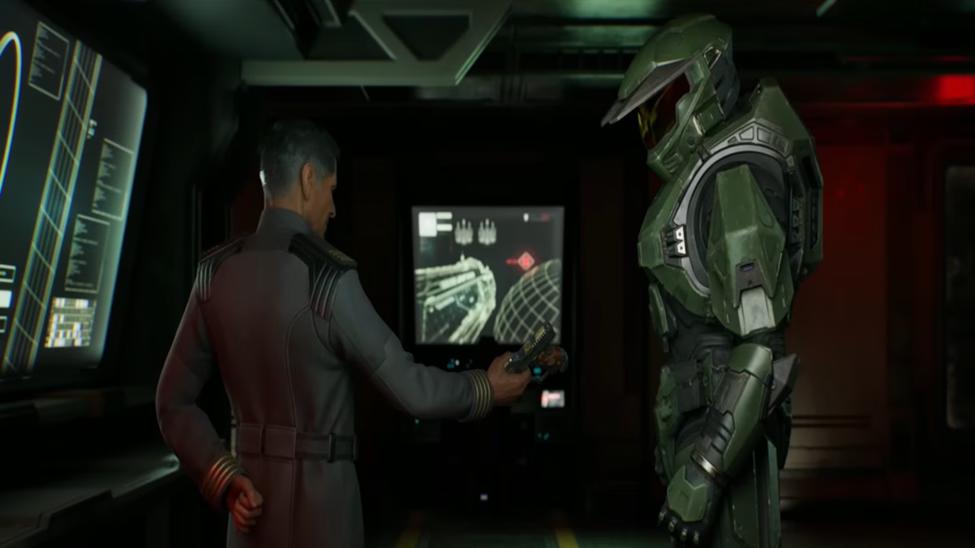
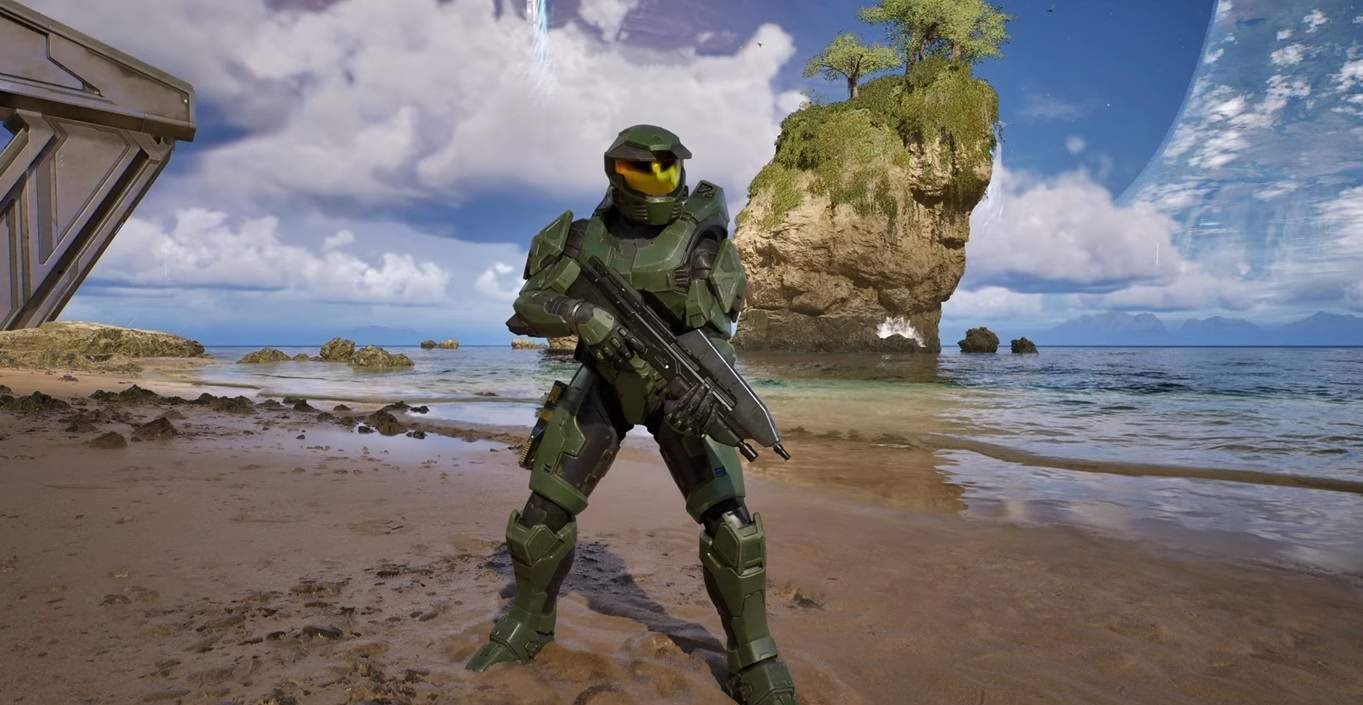
Unlocking every armor skin in Halo Campaign Evolved lets you change Master Chief’s look across the remade campaign without changing how the game plays. I spent time digging through the official options, codes, and edition bonuses right after launch so I could list only what actually works. The process stays simple once you know where each skin comes from. In this article you’ll learn the exact steps for every available armor skin, including the free ones still claimable today and the ones tied to editions or past promos.
If you still need a copy of the game, DealNest often shows clear price comparisons across sellers that make it easy to grab what you need without extra hunting.
Halo Campaign Evolved Default Armor Skins
Two Halo Campaign Evolved skins load automatically the first time you open the game.
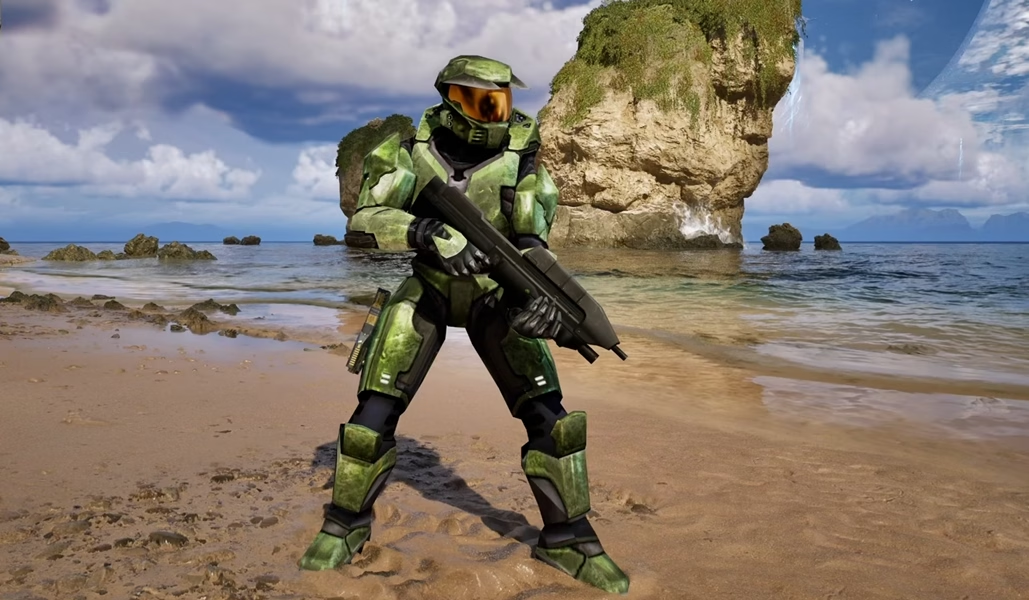
- Mark V is the classic green look. It starts equipped and needs no extra work.
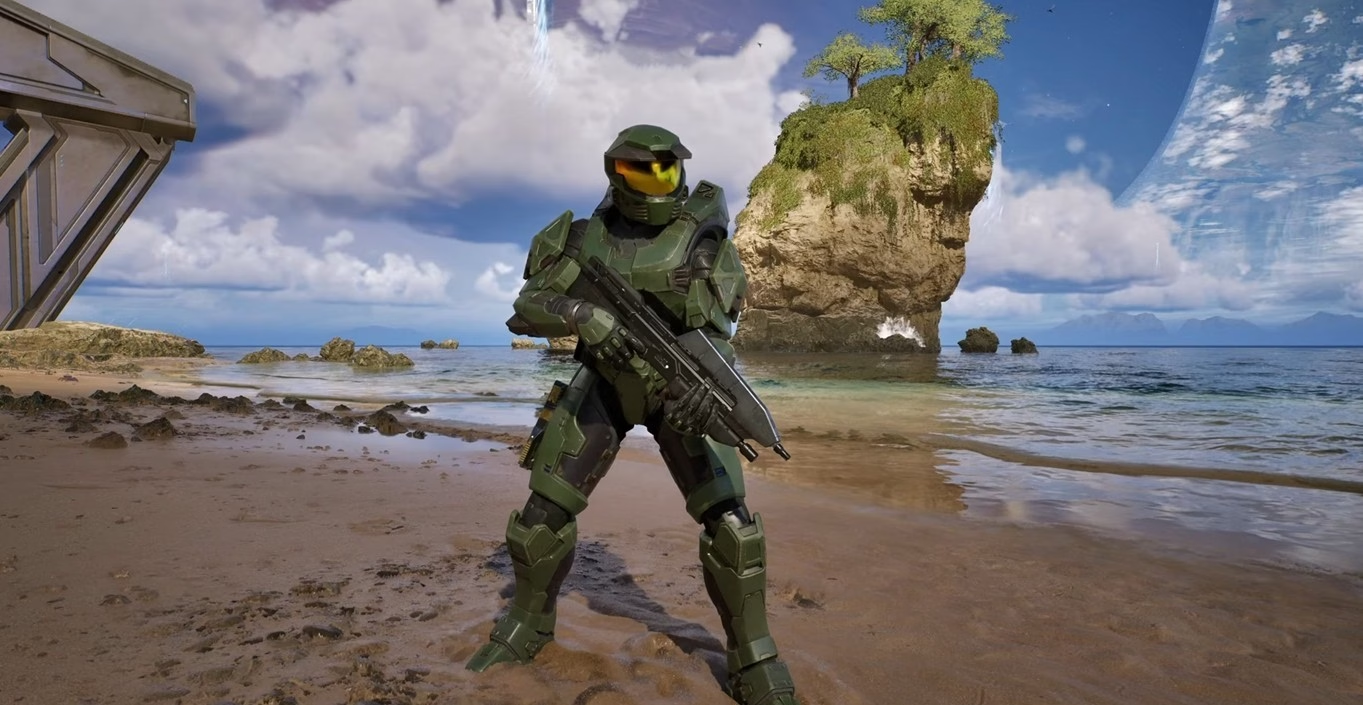
- Silver Anniversary unlocks the moment you open the Customization menu for the first time. It gives a clean silver finish that fits the 25-year milestone.
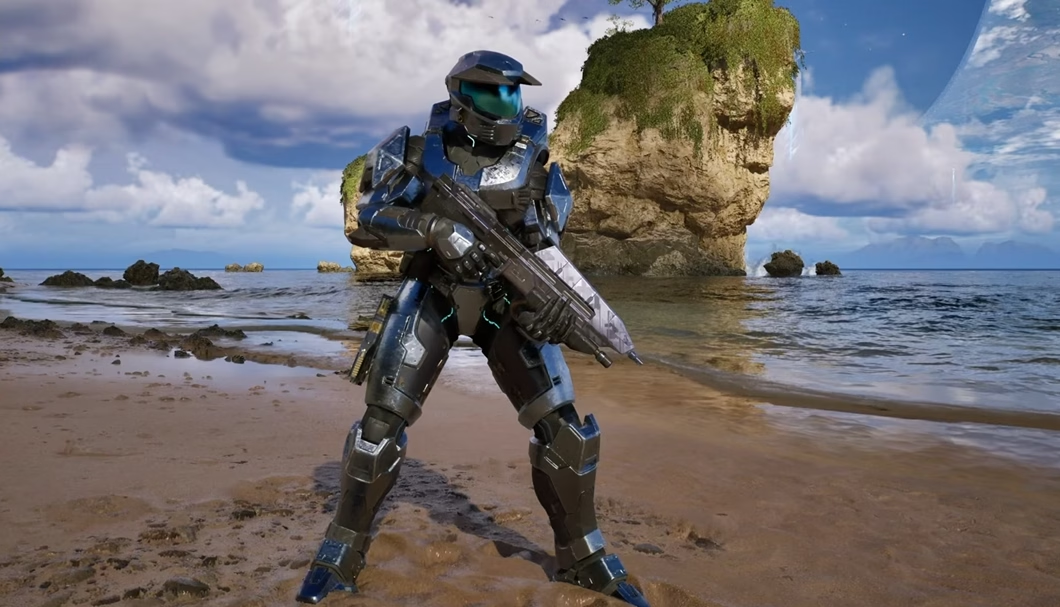
These two form the base. Everything else builds on top of them.
Free Halo Campaign Evolved Armor Skins Through Codes and Promos
Several Halo Campaign Evolved armor skins stay free if you redeem the right code or finish a short promo while it lasts. Codes go through Halo Waypoint and apply to the same Microsoft account you use for the game.
Redeeming Codes on Halo Waypoint
I used this exact process and it worked every time:
- Go to the Halo Waypoint site and sign in with your Microsoft account.
- Open the Drops & Code Redemption page from your profile menu.
- Enter the full code with the dashes.
- Confirm. The skin appears in the Armor section of Customization the next time you launch the game.
Two codes still work as of early August 2026:
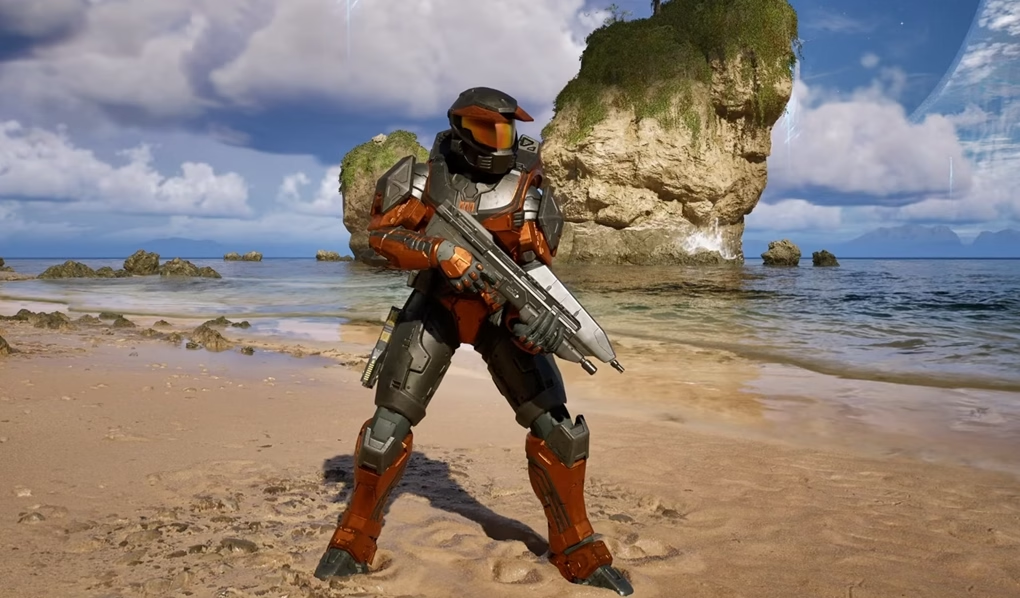
- Sandstone Ancient — enter L563-J46G-PZN1-SBF2-AXN6. It gives a warm desert look with orange accents.
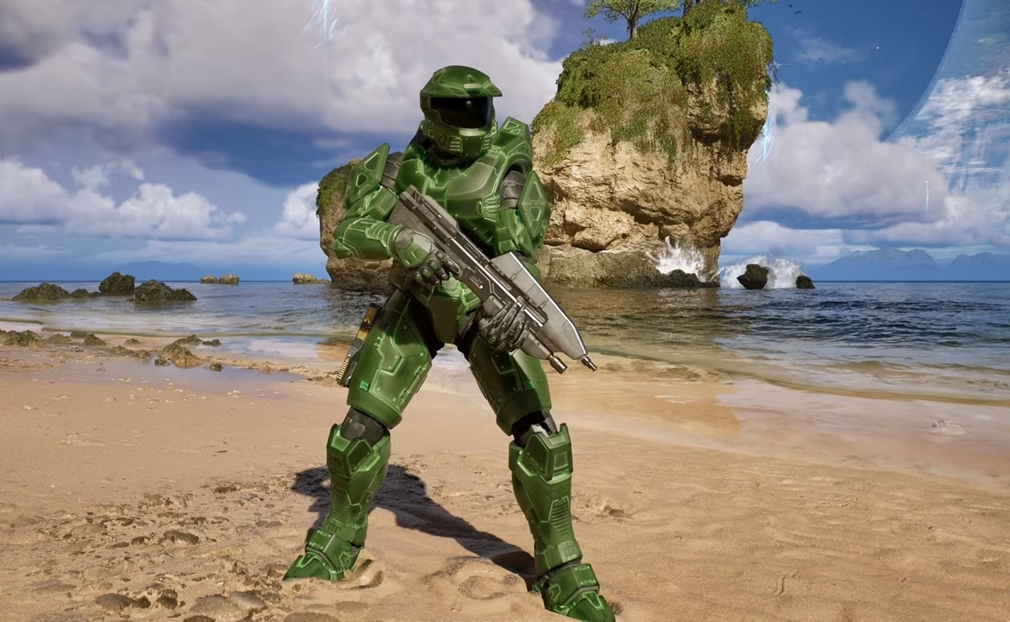
- Damascus Prototype — enter GWT9-DNBT-7X9S-DJCX-8KH3. This translucent green finish celebrates the Xbox 25th anniversary and stands out in most lighting.
Both codes have no stated end date in the current listings.
Limited-Time Promos
A few Halo Campaign Evolved skins needed quick action and some windows have already closed.
- Stream of the Crop came from Twitch Drops. You linked your Twitch account to Halo Waypoint and watched two hours of a drops-enabled stream. That window closed on August 4.
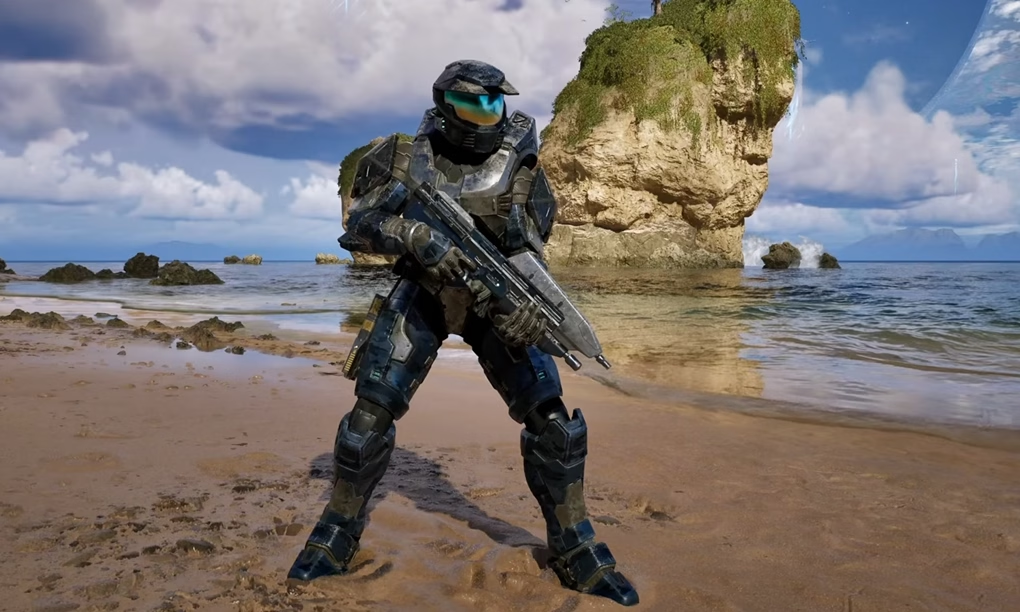
- Hidden Blade required a Discord Quest. You watched a short trailer in the Quests tab and received a personal code. That quest ended around August 3.
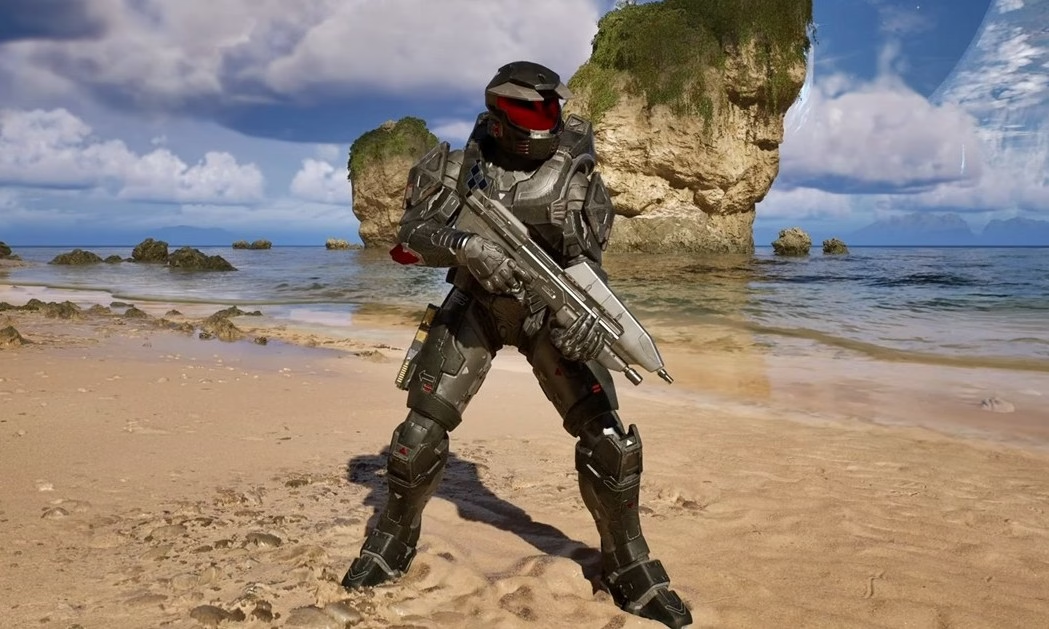
- Fantastic Spartan needed the Fanta mobile minigame. Players scanned a QR code, finished the puzzle, and redeemed the reward code. The promo wrapped up near the end of July.
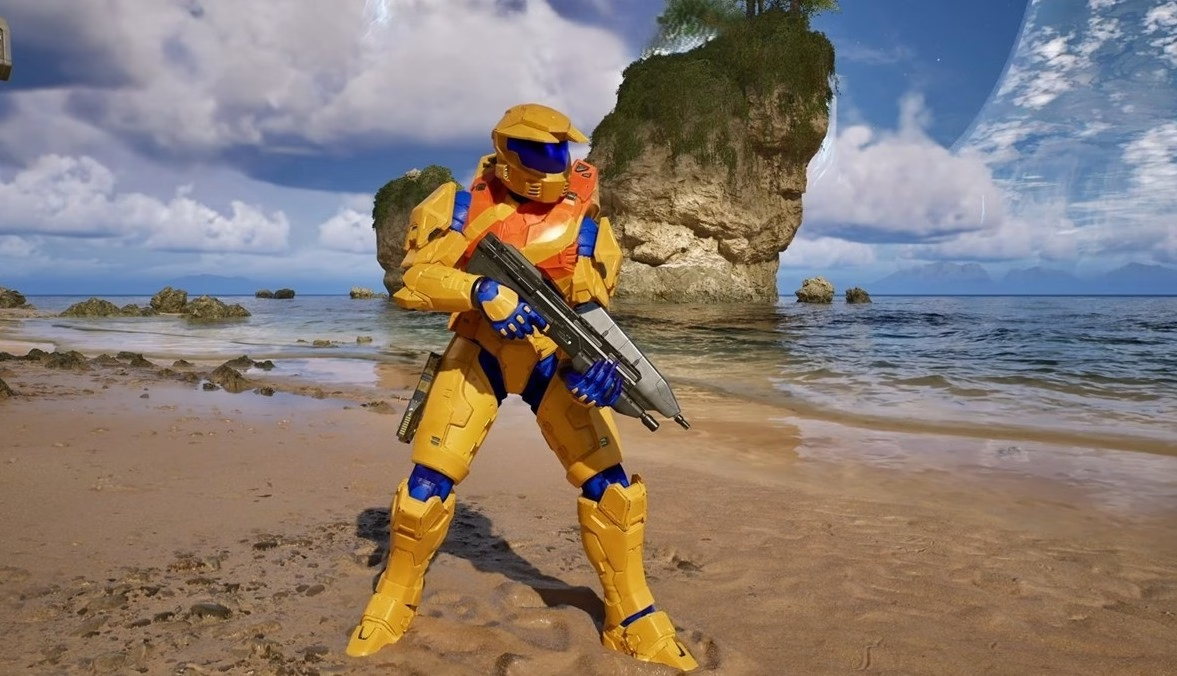
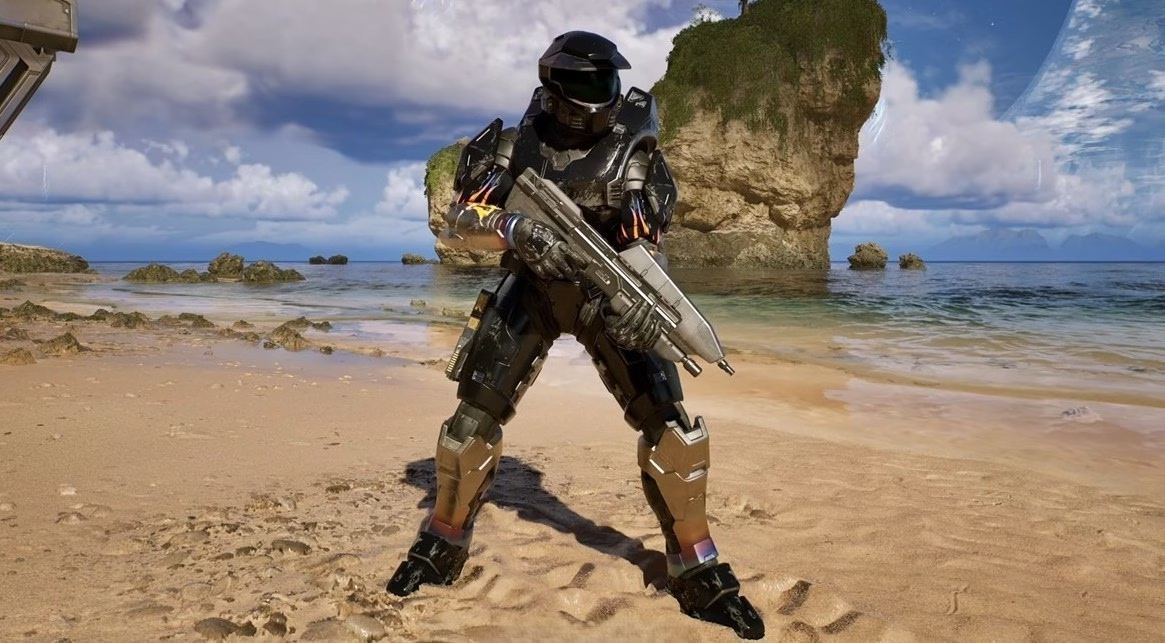
- Shadowfrost stays available only through UNiDAYS until August 16. You need a verified student or faculty account, generate a code on the UNiDAYS Halo offer page, then redeem it on Halo Waypoint. It produces a white-and-turquoise finish with a purple visor tint. Codes can be generated once per day by eligible users.
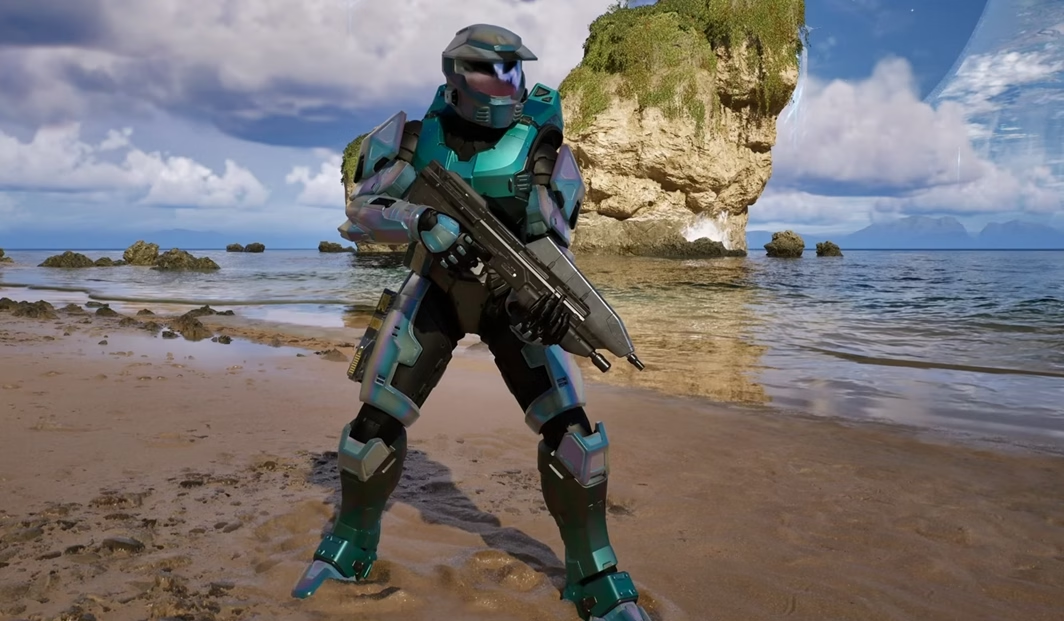
- Ignition comes inside the physical Mattel Brick Shop Hot Wheels Halo UNSC M12 Warthog set. The code sits in the box and redeems the same way as the others.
If you missed a closed promo, those skins stay unavailable for now. Halo Studios has not announced return windows.
Pre-Order and Premium Edition Armor Skins
Two packs hold the bigger model changes. These are full skins rather than simple recolors.
Foundry Armory Pack
Anyone who pre-ordered any edition before the July 28 launch cutoff received this pack. It contains:
- Mark V Flawless Cowboy — the low-resolution 2001 classic look rebuilt for the new engine.
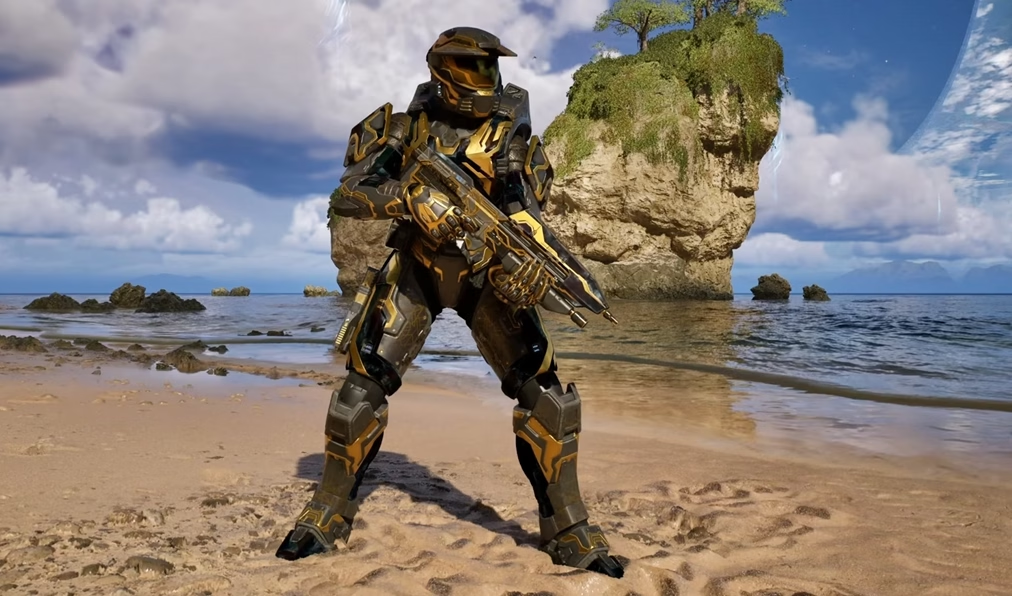
- Gilded Onyx — a black-and-gold finish that catches light in a sharp way.
If you pre-ordered, the skins should already sit in your Armor list. There is no separate claim step.
Alpha Halo Armory Pack
This pack comes with the Premium Edition or the $20 Premium Edition Upgrade. Even Standard Edition owners can buy the upgrade later. The five skins are:
- Splintered Warden
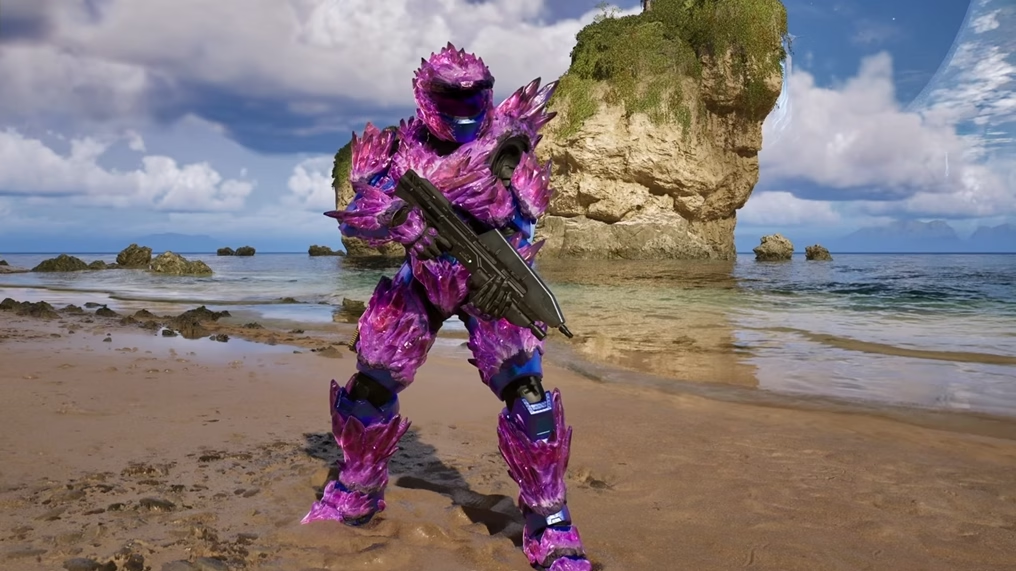
- Lochagos
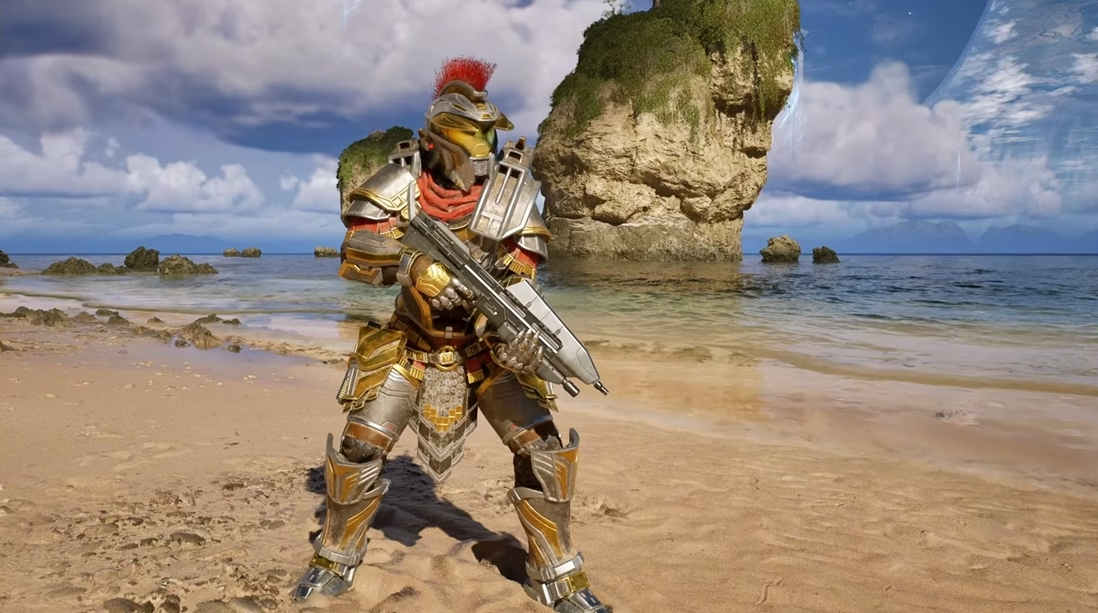
- Mobile Armor Type 117
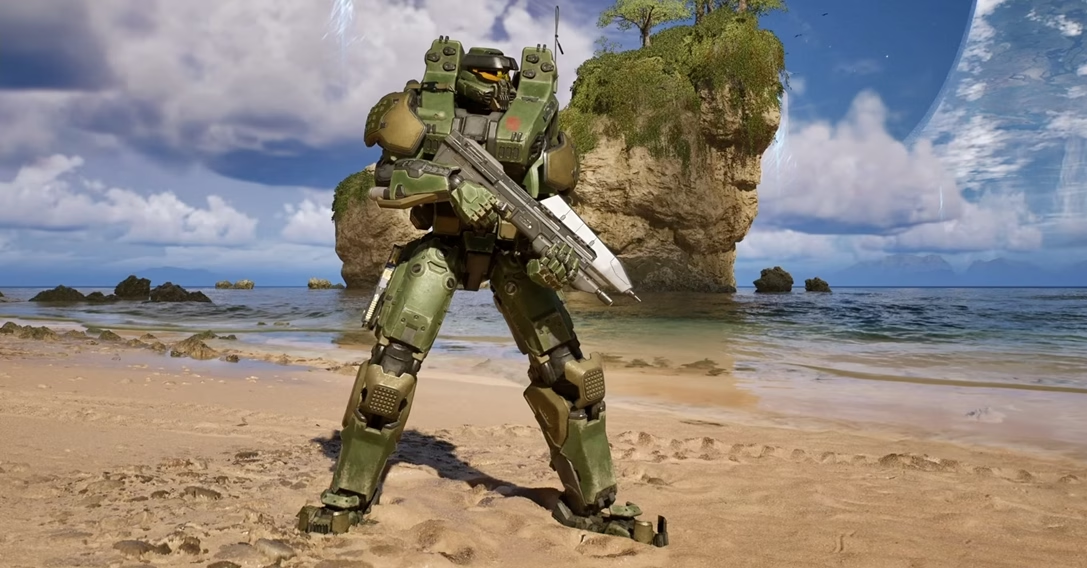
- Gestalt (Lekgolo-inspired design)
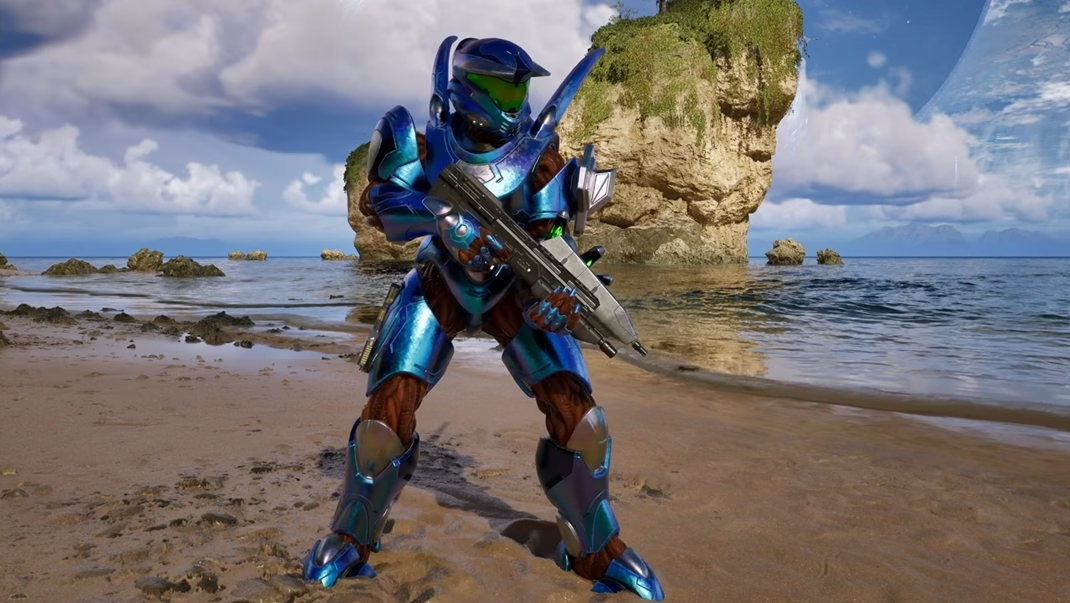
- Timberwolf
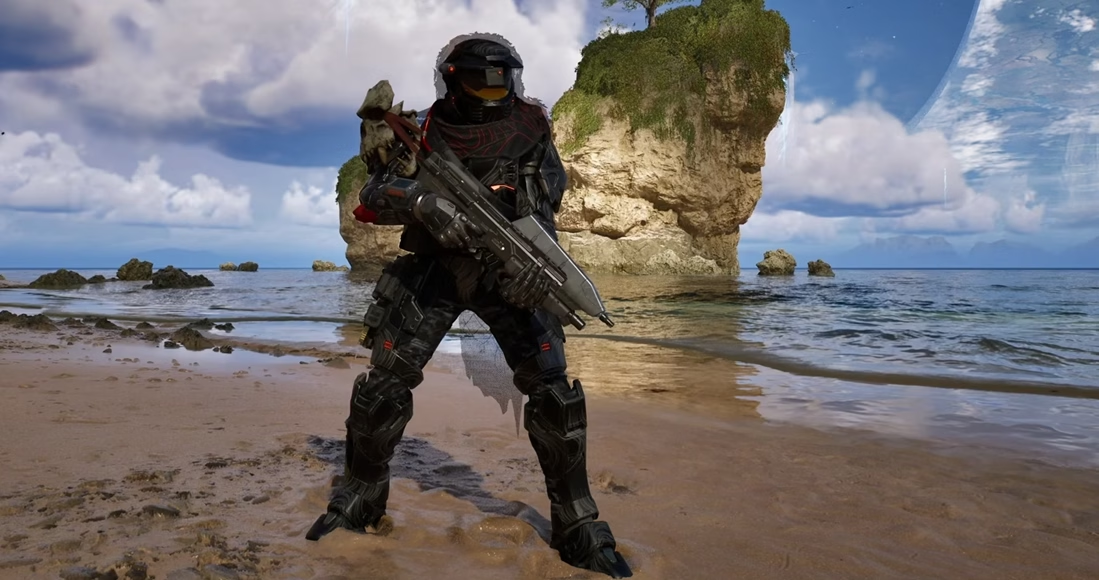
Once the upgrade processes, the skins appear automatically under Armor in Customization. No codes are needed.
How to Equip Your New Halo Campaign Evolved Armor Skins
After any unlock, open the main menu and select Customization. Choose Armor. Scroll to the skin you want and confirm. It applies right away and carries into the campaign and co-op. Cross-progression keeps the same look across platforms if you’re on the same account.
I tested the codes and the Premium skins on both Xbox and PC. Everything showed up cleanly.
Conclusion
Unlocking all the armor skins in Halo Campaign Evolved mostly comes down to the two free codes, the defaults, and deciding whether you want the Premium pack. The limited promos are mostly finished, but the active codes and edition bonuses still cover a solid collection. I recommend grabbing Sandstone Ancient and Damascus Prototype first — they’re free and take about a minute.
After that it’s just personal preference on how many extra looks you want sitting in the menu. And when you’re checking prices for the Halo Campaign Evolved, DealNest tends to line up the current deals clearly so you can see what’s available without jumping between stores.